Run your raid, and the guild behind it, from one place.
The raid cooldown planner your team plans in, plus everything around it. Place healing and defensive cooldowns on a boss timeline together in real time and export them straight to your in-game addon. Audit your roster’s gear, sort loot and splits, and review every pull with Warcraft Logs.
31 tools plus every guide and doc, grouped the way a raid week actually runs. Every line links to where the job happens, and says in one line what you get.
The Group Hub ties your roster, audit, loot, and logs into one team home.
Cooldowns · the flagship
Plan your cooldowns before the pull, review them after
Cooldown planning is where most teams start. If you heal or lead a raid and need cooldowns sorted before you pull, Viserio covers the whole loop.
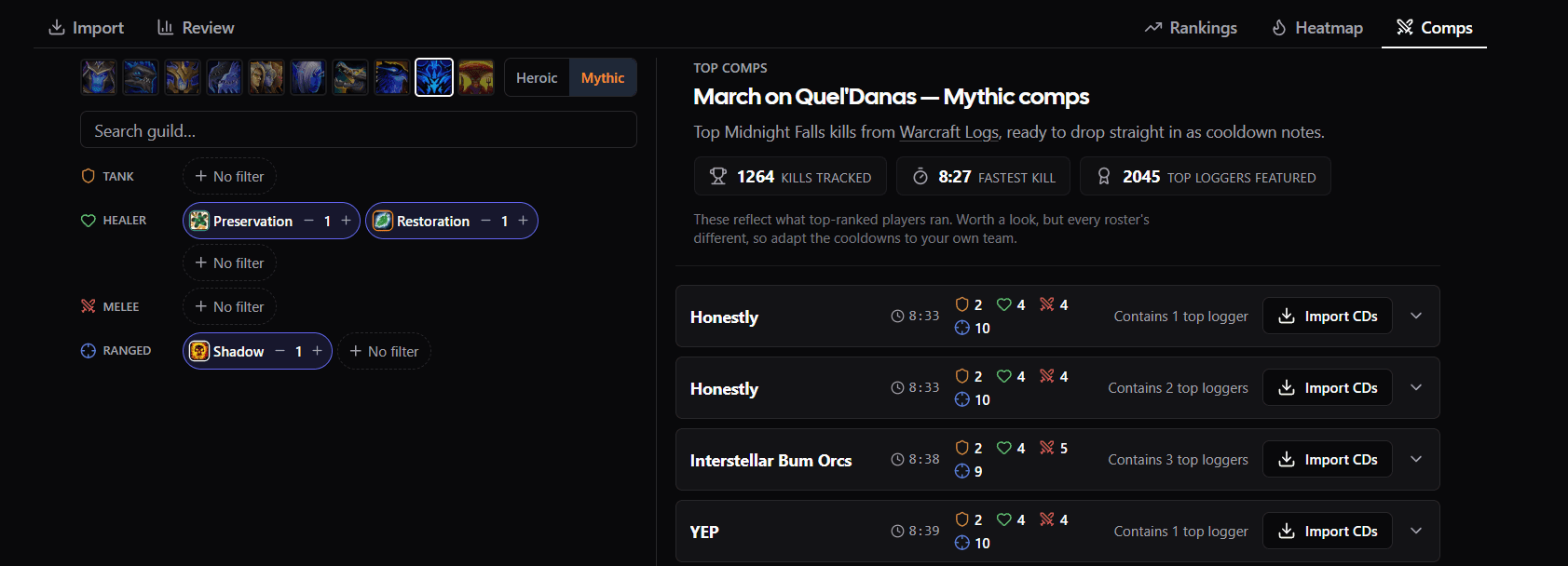
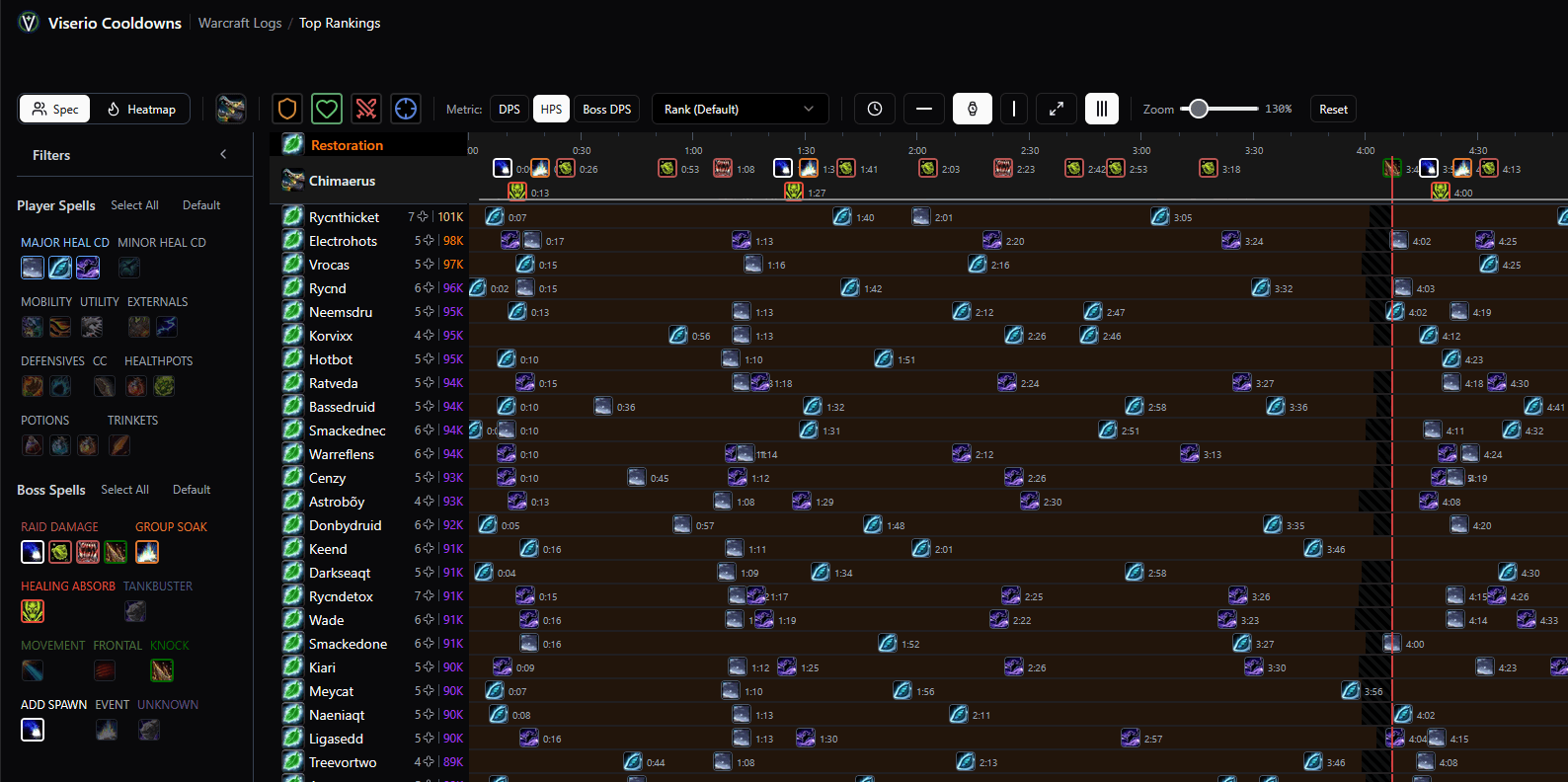
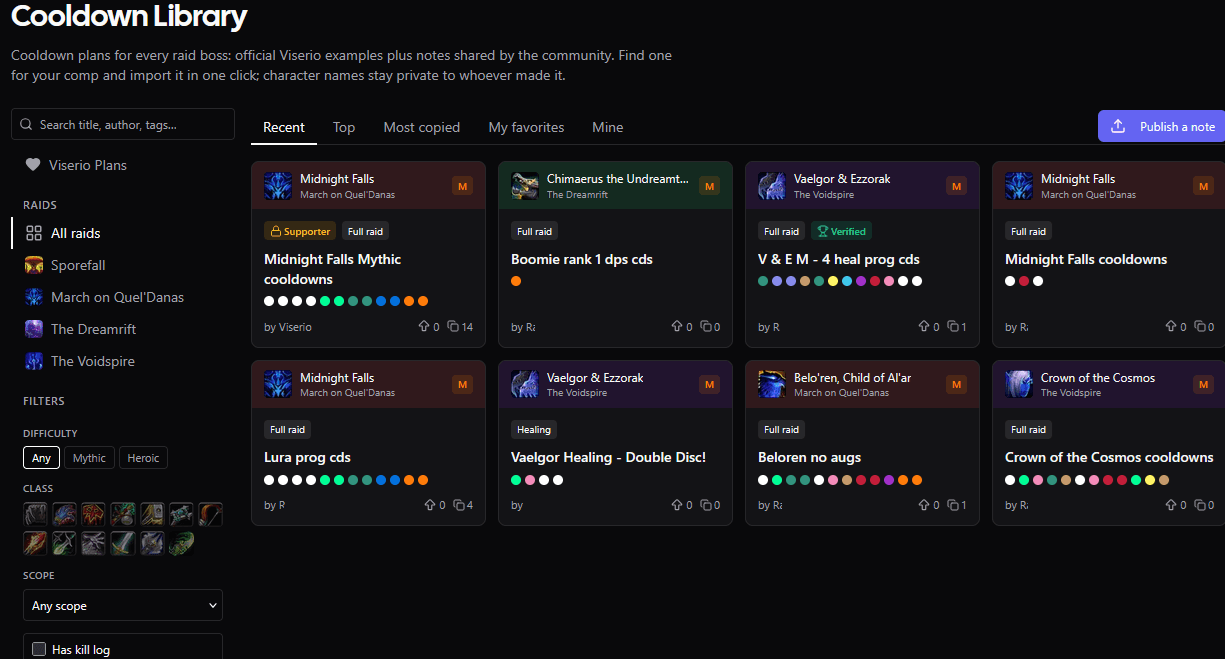
1See what works. WCL Top shows the cooldown usage of the highest-ranked parses for every spec on every boss.
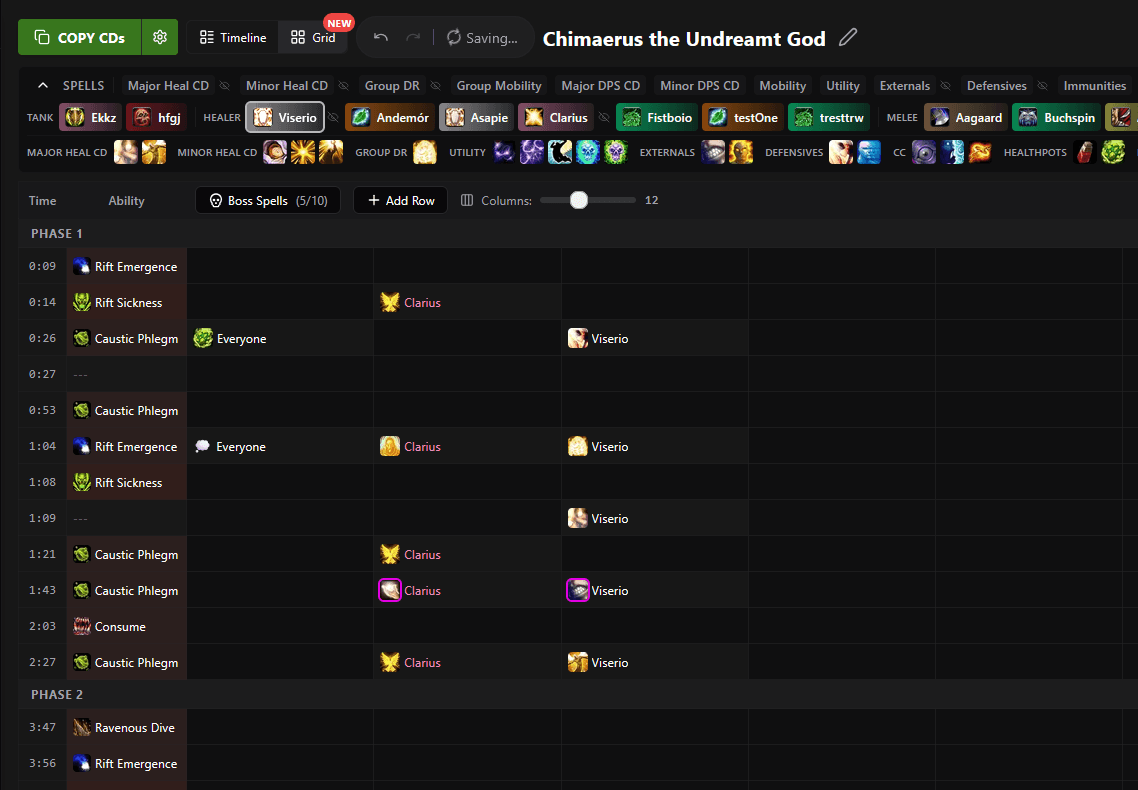
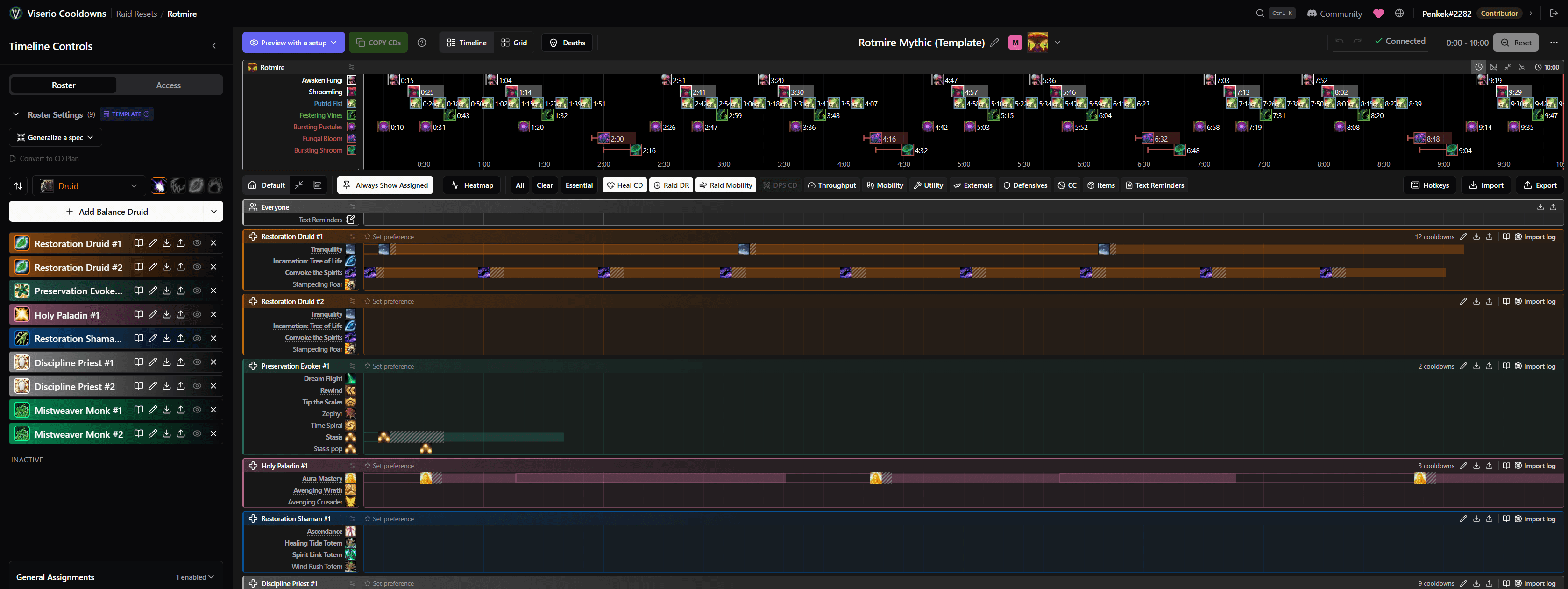
2Build the plan. Place healing, defensive, and utility cooldowns on a visual fight timeline, and edit it with your team in real time.
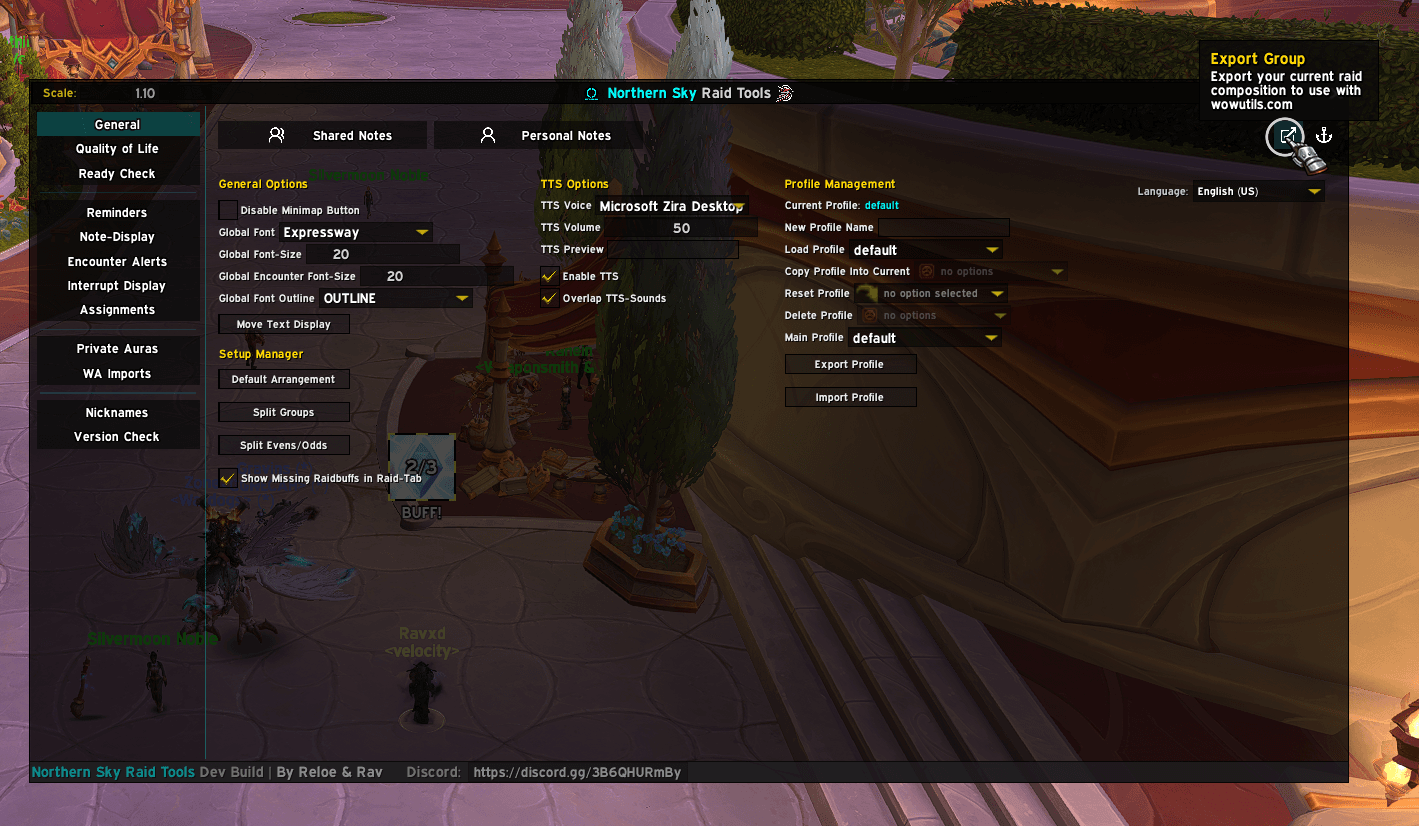
3Get it in-game. Export the WowUtils note format to Northern Sky Raid Tools, the third-party addon built by the Northern Sky team, so every raider gets personal reminders during the pull.
4Check it afterwards. WCL Compare lines your logs up against the plan so you see who pressed what.
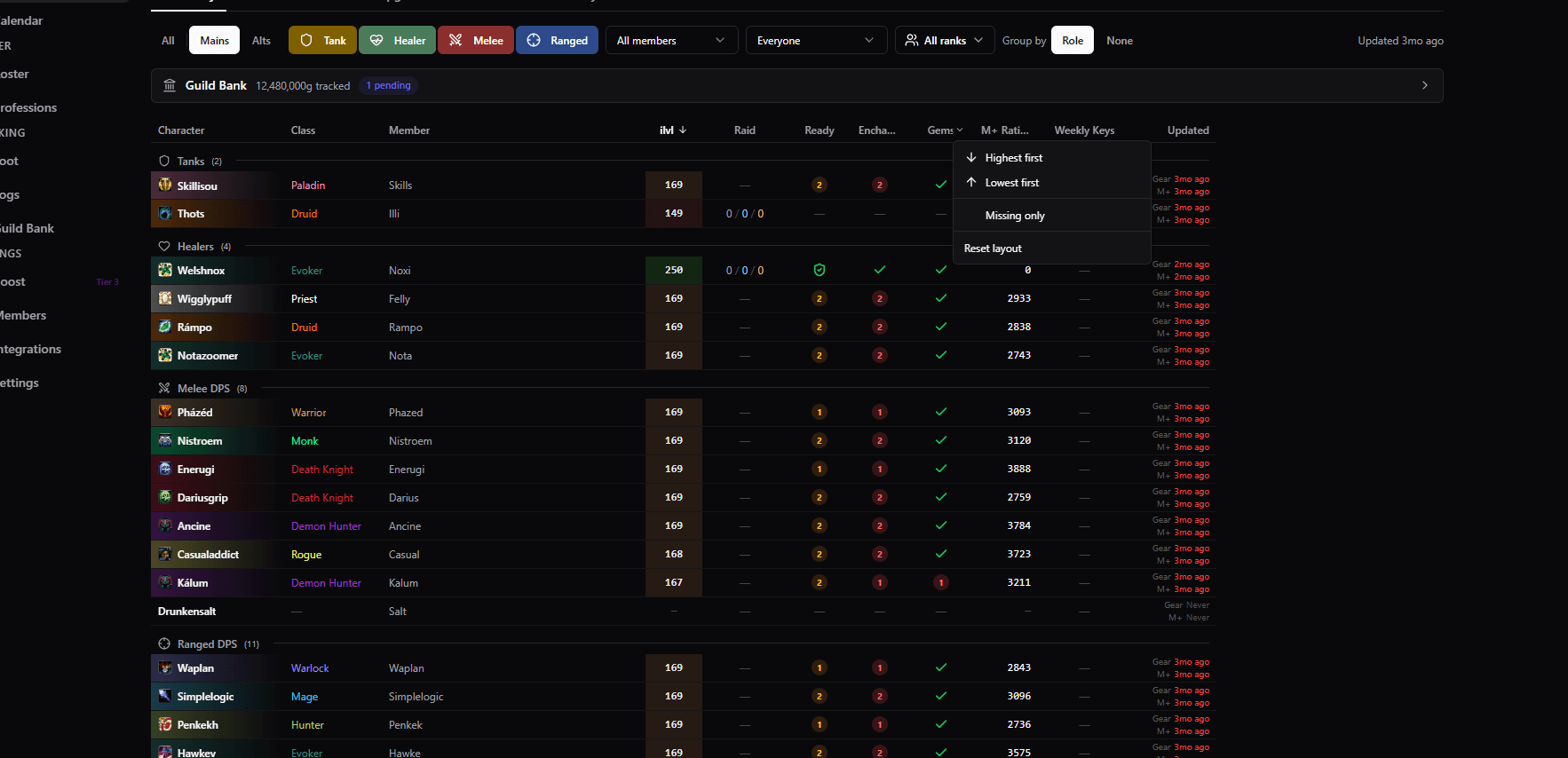
The spreadsheet you keep by hand becomes a roster report that fills itself from public data: item level, enchants, gems, vault, and Mythic+ for the whole raid, plus an audit log of who changed what.
WoWUtils is a set of free tools for running a World of Warcraft raid team in one place. Viserio Cooldowns is the main app: it plans your cooldowns and assignments and exports them to your in-game addon. The Group Hub, the team home inside Viserio Cooldowns, audits your roster and tracks your logs, and Curio is the solver that builds your boss comps, fills your per-boss assignments, and sorts your raid splits and loot. Most teams start with cooldown planning and grow into the rest.
How do I prepare my healing cooldowns ahead of a raid?
Browse top-ranked Warcraft Logs cooldown usage, build your plan on the boss timeline, export it to your in-game addon so each raider gets personal reminders, then review your logs against the plan afterward. Viserio Cooldowns covers all four steps and supports the current raid tier.
Is WoWUtils free?
Yes. Core cooldown planning, raid assignments, top Warcraft Logs rankings, log comparison, the roster audit, and the in-game exports are free. Optional supporter tiers add extras such as the timeline heatmap overlay and higher import limits. We reinvest heavily into the site, and we deeply appreciate everyone who supports it. That support is what lets us put this much time and energy into it.
Can I plan raid assignments?
Yes. Lay out soaks, externals, interrupts, kicks, and group splits boss by boss, turn kick assignments into copy-ready macros, and export the whole plan to your in-game addon. You can also pull in your raidstrats.gg plans.
How do raid splits work?
Curio sorts your raiders across splits by tier tokens, class buffs, role balance, and loot priority, and shows the math behind every call. The same solver also builds who plays each boss with AutoComp and fills per-boss assignments with AutoAssign.
Is there a Discord bot?
Yes. The Baldio Discord bot posts your setups, handles signups, and syncs your calendar right inside Discord, so your team can see the plan without leaving chat.
Does it support the current raid?
Yes. The current tier is Midnight Season 2, and The Venomous Abyss is fully supported: boss timelines and default cooldown assignments for every boss. The simulators, wishlists and Great Vault views all run on Season 2 loot, The Tidebound Grotto and The Unbinding of Kith'ix included.
Can I check my roster’s gear and readiness too?
Yes. The Group Hub builds a Roster Report from your guild’s public data, so you can see item levels, missing enchants and gems, Great Vault progress, and Mythic+ progress for the whole raid on one screen, without opening every armory page by hand. It fills in automatically, so there is no manual data entry to keep up.
Can my team manage loot and wishlists?
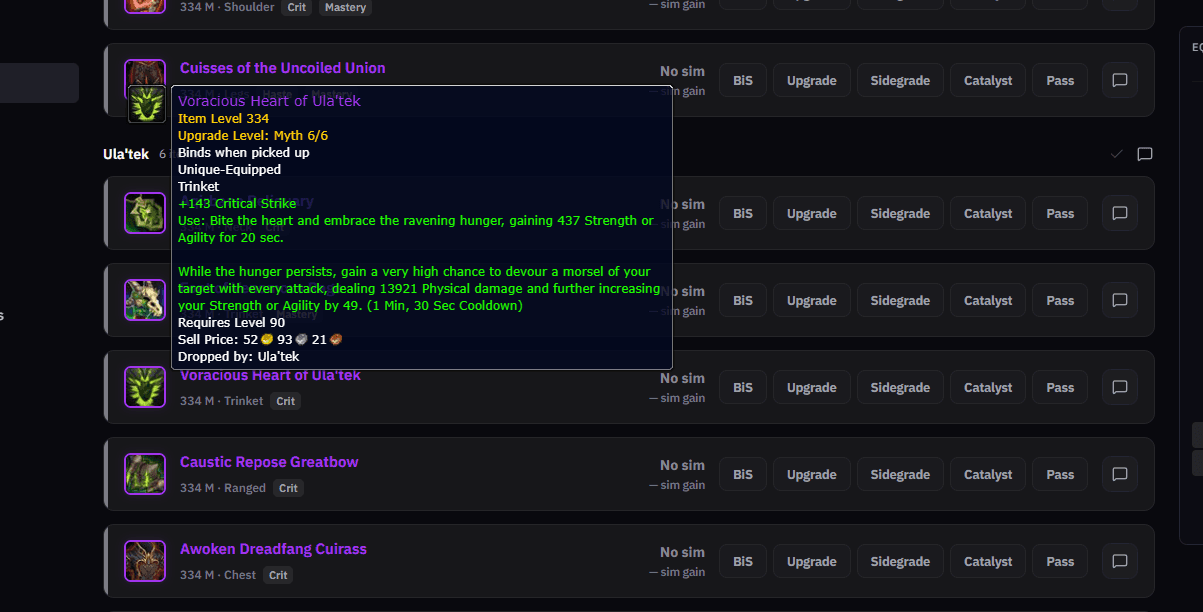
Yes. Every raider keeps a ranked wishlist backed by their droptimizer sims, and officers see the whole picture in one place: who wants each item, upcoming BoEs and who wants a roll, and a team overview of gearing progress. Loot history imports from RCLootCouncil, and wishlists export for your loot council. Season 2 loot is live in the views, so wishlists stay current all tier.
How does it fit with the in-game addons I already use?
You build the plan in Viserio Cooldowns and export it to the game. The goal is the best possible cooldown planning before the raid: Viserio builds the plan, then exports it to the in-game reminder addons (Northern Sky Raid Tools, Method Raid Tools, Advance Raid Tools, Timeline Reminders) and reads Warcraft Logs so you can review afterward.
Yes. Even solo, WCL Top and importing the optimal offensive and defensive cooldowns is a good way to make sure you are doing the right things without having to remember them. It is great for early progression, farm, rerolling, or playing an alt.