



Planning two raid nights in one week got quicker, and the single-boss view now shows what the grid shows.
Duplicate a setup
A second raid night used to mean building its setup again from scratch.
Duplicate is the default. Add setup starts as a copy of the setup you have open: same roster, bench, boss seats and raid groups.
- Plans stay with the original. CD plans, assignments and boss notes start empty on the copy, so link the ones that night uses.
The single-boss view
Narrowing the planner to one boss used to hide some of what the grid shows.
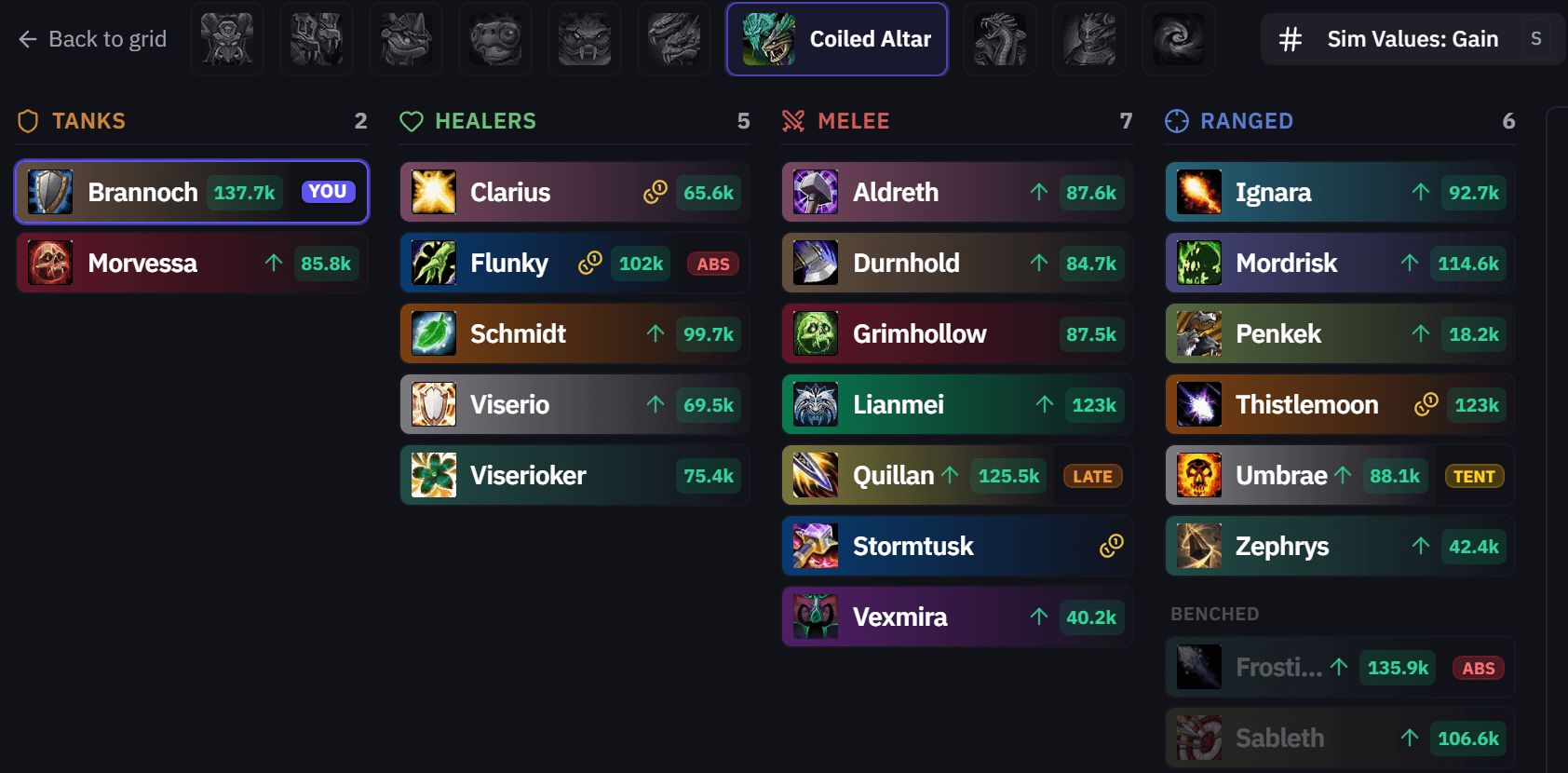
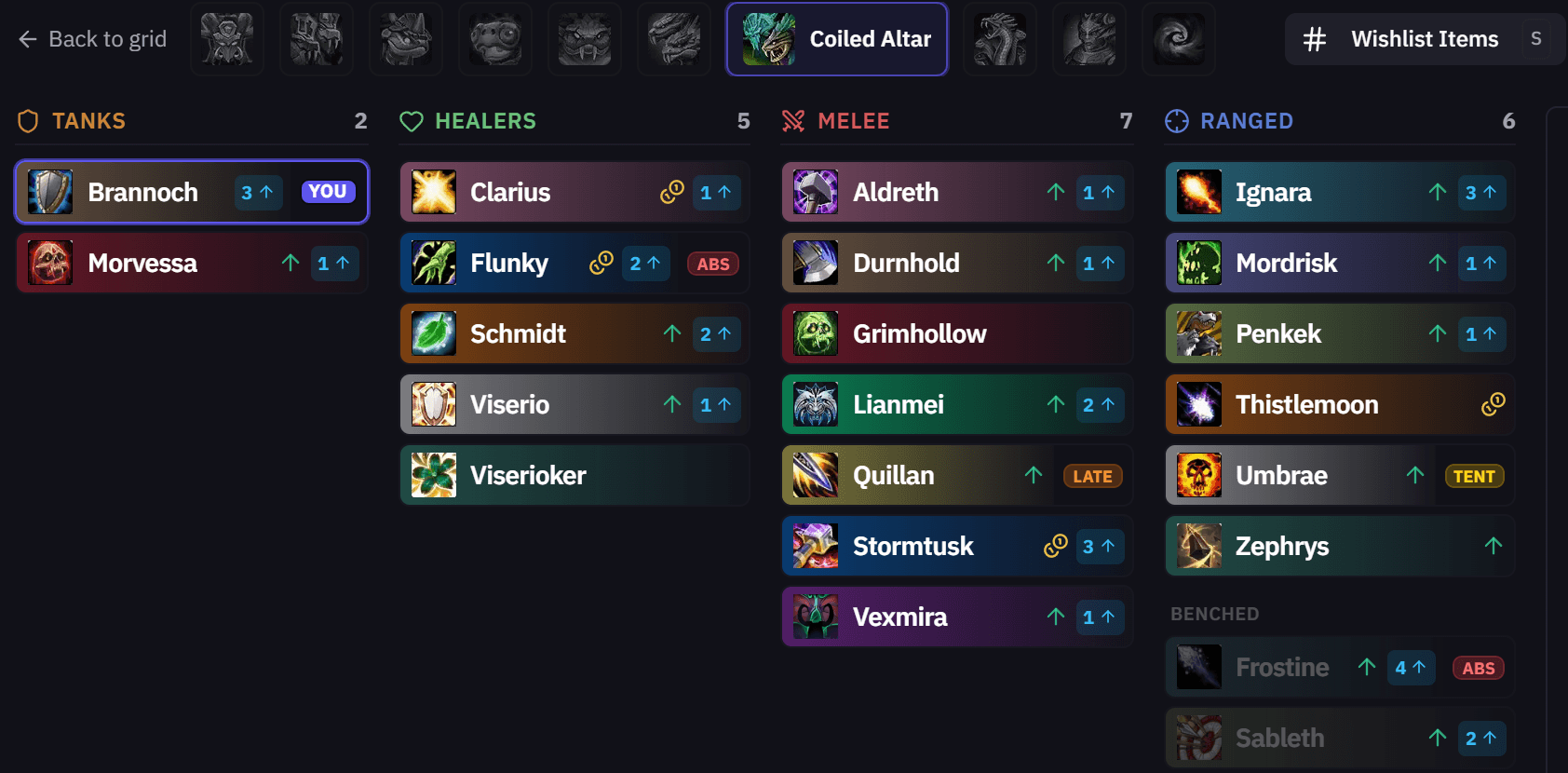
- Sim and wishlist values. Press S, or use the toggle in the header, to show sim gain, upgrade count or wishlisted items on every player.
- Signup tags. Players who are absent, tentative, on standby or late carry the same ABS, TENT, STBY or LATE tag as in the grid.
- Benched players. Want in, bonus roll and value markers show on benched players too, so you can see who to bring in.
- Right-click menu. Right-click a player to lock them in or out for AutoComp or open their player sheet, as in the grid.
Around the app
- Offspecs in Discord setup posts. A player set to an offspec on one boss keeps that spec in the setup post picture, however many bosses the setup has.
- Wishlist counts on the You page. Boss tooltips count only the items wishlisted on that difficulty, and leave out Pass.
- Mobility spells. Hover, Angelic Feather, Sprint and Dash are in the cooldown planner.
As always, feedback and ideas are welcome in Discord or on the Community page.